Skip to content Skip to footer

Artwork/Design Setup

File Submission Guidelines

To ensure the best print quality, please follow the instructions below when sending us your design files:

Accepted File Formats:

CMYK High-resolution PDF, JPEG, or EPS

No crop marks or printer marks are required

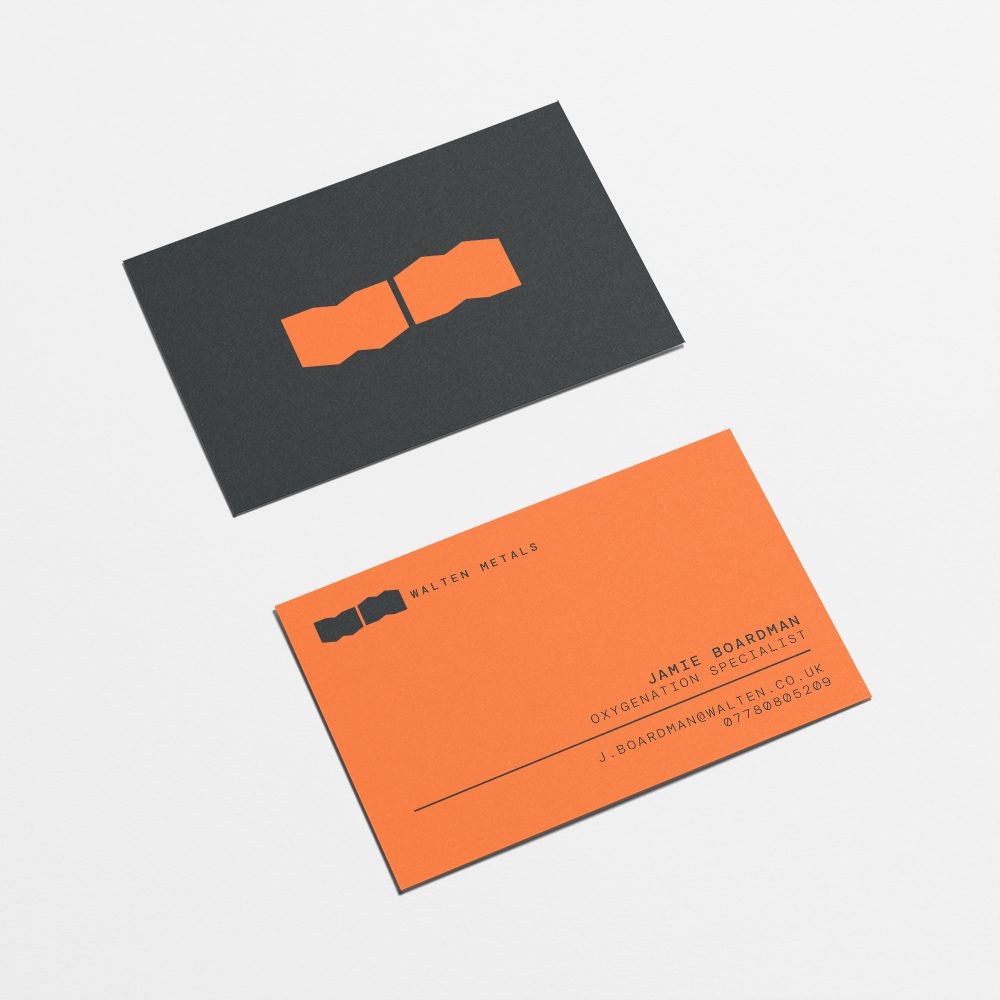
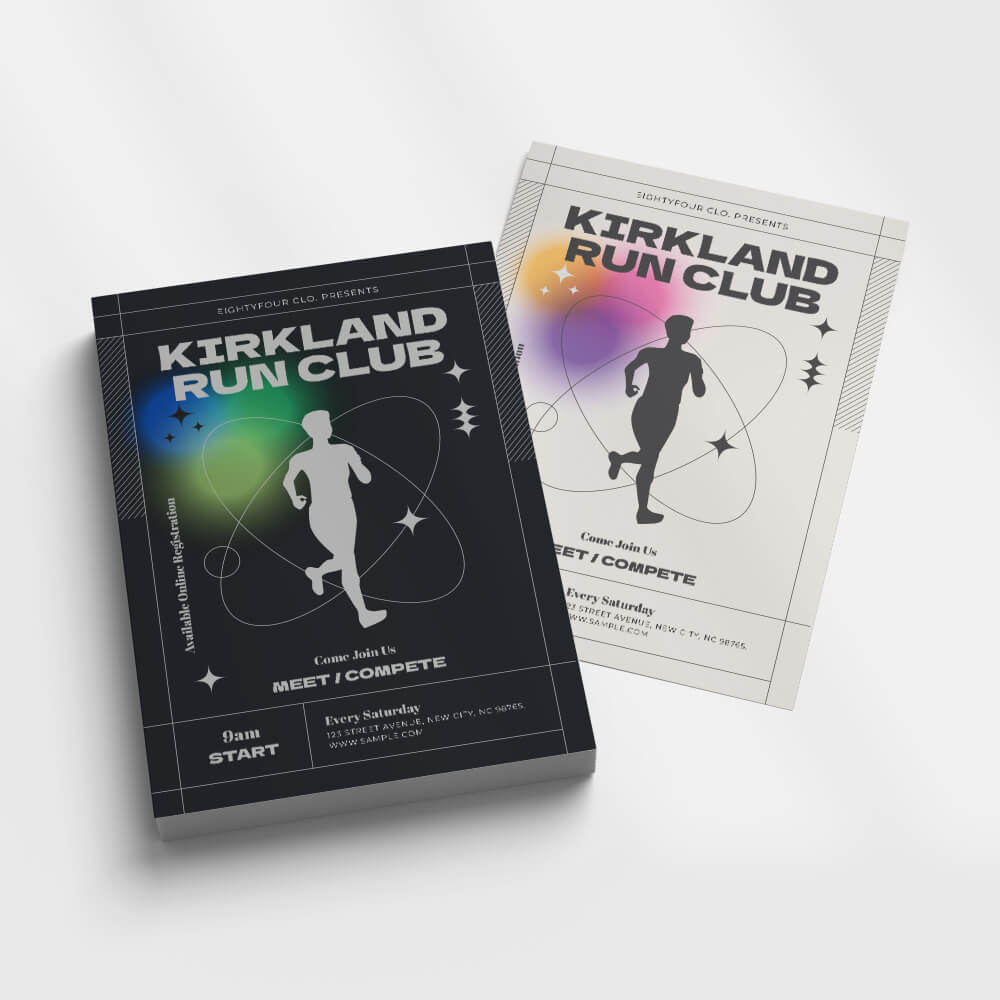
For Business Cards, Flyers, and Leaflets:

3mm bleed is required on all sides

Keep all text and important elements at least 5mm away from the edges (safe zone)

This ensures nothing gets trimmed off during the printing process

Was Your Design Created with ChatGPT, Gemini or Another AI Tool?

If your design was created using ChatGPT, Gemini or another AI tool, the final print quality will depend on the size and resolution of the file.

Small prints will usually be fine. However, low-resolution images may appear blurred or pixelated when printed at a larger size. Please request the highest possible resolution and make sure the design has the correct proportions for your required print size.

Keep all important text, logos and contact details away from the edges, as additional space may be required for bleed, trimming and cutting.

For the best results, please send a print-ready PDF or a high-resolution PNG. WhatsApp may reduce image quality, so send the artwork as a document rather than a photo, or email it to:

info@signsnprint.co.uk

We will check your artwork before printing; however, missing detail or poor image quality cannot always be corrected.

Designed on Canva?

If you’re designing your artwork in Canva, please ensure it’s created at the actual/required size.
If you’re unsure how to set the correct dimensions or find it difficult to adjust, we’re happy to help!

Simply share an editable Canva link with us so we can assist or make necessary adjustments.

Ready Made Templates

Artwork/Design Setup

Business Card

Artwork/Design Setup

A5 Flyers

Artwork/Design Setup

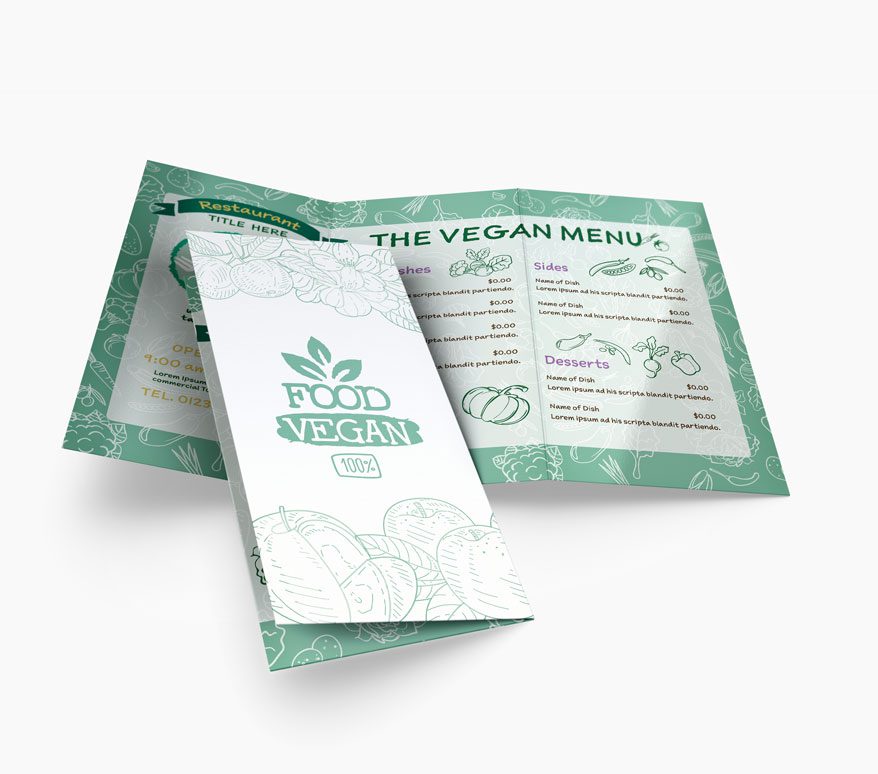
A4 Fold to DL
C Fold 6pp

Artwork/Design Setup

A4 Fold to A5

Artwork/Design Setup

Roller Banner 80X200cm

Artwork/Design Setup

A5 Booklet 8pp

Size Guide

page size

How To Order

Quote & Invoice

Once you approve the quote, we’ll issue an invoice to begin production it’s that simple to get started!

Artwork / Design

Upon receipt, our team will promptly review your artwork design. Should you require assistance in creating your project, our skilled graphic design team is available to provide support.

Production

Once the design is approved, we proceed to print production using high-quality materials and precise execution to ensure a smooth, professional finish.

Completed

Orders can take a few working days until they are complete and ready for installation, collection or delivery.